
Desktop software · Reading, Berkshire

Desktop application development

We rebuild desktop software until it behaves.

Desktop software services from first sketch to live rollout. For UK teams running native Windows, macOS and cross-platform business tools — and the systems that keep them shipping.

This page describes what Ashgrove Imports Limited does across the life of a desktop application, from the first conversation about a problem to the point where updates reach machines reliably. Not every project needs all of it.

Reading · England · Mon–Fri 9:00–18:00

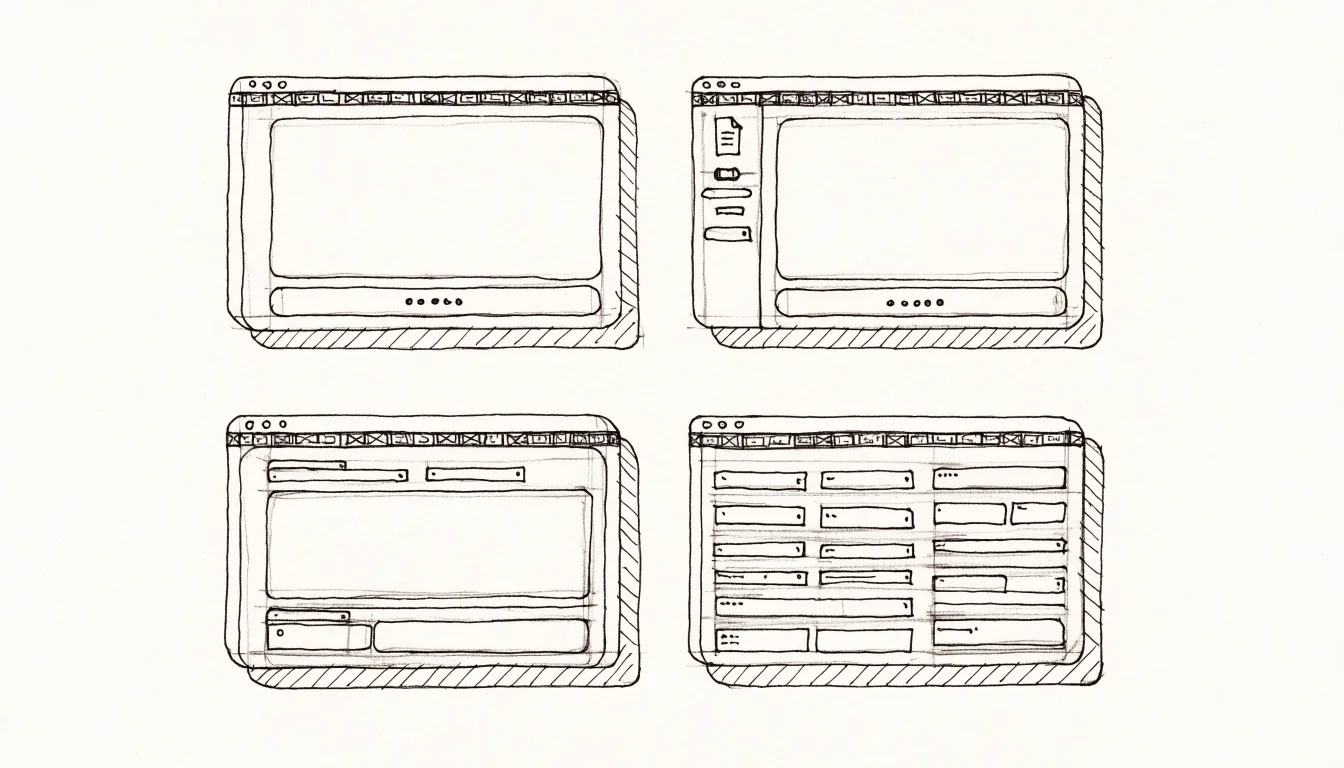
A hand-drawn survey sheet showing four business desktop application window layouts in a study grid

Discovery · 2–3 sessions

Working out what the software has to do

A desktop project begins with constraints rather than features. Which machines will run this? Do they have network access, or does the app have to work offline? Are there devices attached, and what do they speak? Who administers those machines, and what will they permit to be installed? These answers shape everything downstream, and they are cheapest to gather at the start.

We run this as a short, structured conversation rather than a months-long discovery phase. For most internal tools, two or three sessions cover it. The output is a written summary of the problem, the constraints and the open risks — which you keep whether or not the project proceeds.

Constraint

What it decides

Hardware base

Which Windows or macOS generation the app has to run on, and what the built-in graphics and memory ceiling actually are.

Network or offline

Whether the app talks to a server by default, or has to keep working through an outage and reconcile later.

Attached devices

Anything the user touches that a browser cannot reach: printers, scales, scanners, test rigs.

Who administers it

Whether IT or the vendor decides what can be installed, signed and patched on those machines.

Build & integrate

Four delivery modes, drawn at one scale

Each of the four below is a real service we run end-to-end. The widths on the left column differ by row on purpose — that is the weight each mode carries in a typical project, not the amount of work it consumes.

Native Windows

New native Windows applications

For a Windows application built from scratch, the current Microsoft stack is the Windows App SDK with WinUI 3. It targets present-day Windows application scenarios rather than legacy desktop patterns, and it is what we would propose where there is no existing code to respect.

Native matters most when the application needs to feel like part of the operating system: proper window behaviour, system notifications, file associations, background services, or integration with the security and identity features the organisation already uses. Where none of that is needed, we will tell you a cross-platform build may serve you better.
macOS

macOS builds

A macOS desktop application is a separate engineering task even when it shares a design with its Windows sibling. Apple's platform has its own conventions, its own distribution rules and its own expectations about how windows and menus behave. Treating the Mac version as a recompile of the Windows code produces software that Mac users distrust immediately.

Cross-platform

Cross-platform products

Cross-platform desktop apps are a legitimate choice, particularly where a single codebase is worth more than perfect platform fidelity. The deciding question is how much the product needs to touch the operating system. Light touch, and a shared codebase is a sensible economy. Heavy device or system integration, and the cost of abstraction tends to exceed the saving.

Device & hardware

Device and hardware integration

This is the capability that most often makes desktop software the right answer. Industrial scanners, label and receipt printers, weighing scales, measurement instruments and laboratory equipment typically present themselves to the operating system over USB, serial or a network protocol, and a browser cannot reach most of them.

We build the integration layer to be inspectable. When a device stops responding, the software should say which device, on which port, and what it last tried. Staff working to a deadline need that information far more than they need a progress animation.

Internal tools

Bespoke internal tools for workstations

Many of our projects are staff-facing tools used by a defined group of people on known machines. Fixed-seat usage changes the design brief considerably: you can assume training, you can rely on an internal network, and you can optimise for speed on a task performed two hundred times a day.

These tools live or die on the details of the workflow. We watch the current process before proposing a new one, because the workaround someone built in a spreadsheet is often a requirement in disguise.

The bench · where the work actually happens

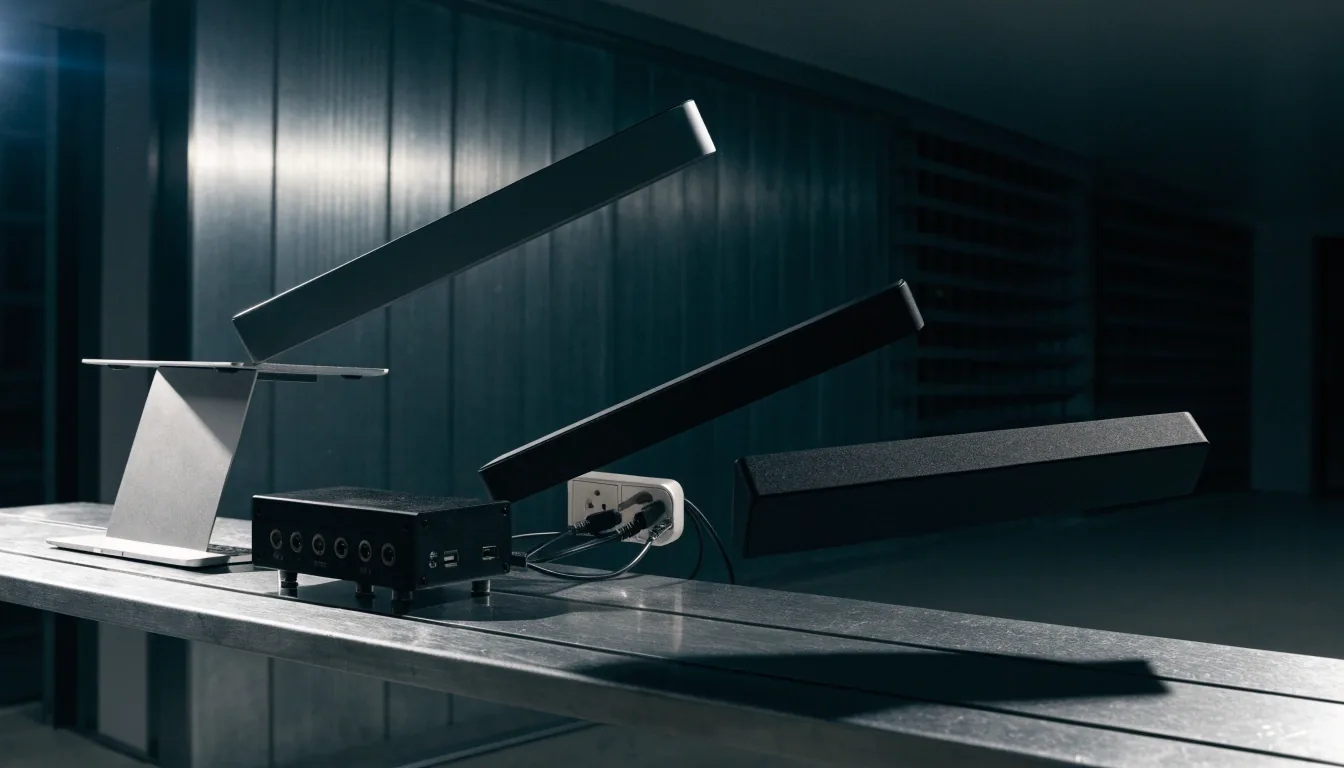
A small software studio at dusk across the room, three workstations with monitor bezels, no people

The build bench, Reading

Where the code meets the hardware. Most of the questions that decide a desktop build — what the OS allows, what the port will accept, what the user will actually do under load — get answered here, before they become expensive.

Release & rollout

Packaging, installers and updates

How software installs is part of how it is designed. The four stages below are what a release track has to cover, in order, no matter which packaging technology your environment can accept.

Build

Versioned and reproducible. The same source produces the same artefact on every machine.

Package

MSIX for managed Windows estates, ClickOnce for per-user installs with automatic updates.

Sign

Code-signing certificates kept current, so the installer is trusted by the OS on the target machine.

Ship

An update that installs without a support call, and a rollback path for the occasions when it does not.

Older installer technology sometimes has to be kept because of environment constraints we cannot change. When that happens we say so plainly, along with what will eventually force the move.

Support & contract

Maintenance, contract shapes and what happens after launch

Desktop software ages in particular ways. Operating systems move on, signing certificates expire, drivers change, a dependency stops being maintained. None of that stops the software until it suddenly does, usually on a Monday.

We take on support for systems we built and for systems we did not. That typically means a defined route for reporting problems, a versioning policy so you know what you are running, and a periodic review of the parts of the stack that are drifting towards end of life.

Defined delivery

A defined piece of delivery with an agreed scope

Fixed scope suits a well-understood change to an existing system, or a new build where the constraints have already been settled. You get a written scope, a clear definition of done, and a single price for the work.

Ongoing time

Ongoing support and development time

Ongoing time suits software that will keep evolving as the business does — a system where the roadmap is deliberately open. You get a named route to report problems and a monthly window of development hours.

Where to go next

If you are unsure which fits, describe the problem and we will say which one we would use. Two useful starting points from this page:

Direct line

Tell us the problem and the machines, and we will say which service fits.

8 Mill Lane, Calcot, Reading · Mon–Fri 9:00–18:00 · [email protected] · +44 118 478 4187