
DESKTOP SOFTWARE · READING, BERKSHIRE
We rebuild desktop software until it behaves.
Ashgrove Imports Limited is a desktop application development practice at 8 Mill Lane, Calcot, Reading. We build, repair and maintain business software that runs on a workstation rather than in a browser tab.
WHAT A DESKTOP APP BUYS YOU
The framework is an outcome of your constraints.
A desktop app is worth the extra engineering when it needs something a web page cannot reach: a local device, an offline spell, a fixed-seat workflow on a locked-down machine. Ten people using a warehouse scanner station is a different problem from ten thousand people using a public website.
The trade-off is real — installers, updates on machines you may not control, and versions of Windows or macOS you cannot simply ignore. We spend the first conversations on those constraints rather than the interface.
LEGACY MODERNISATION
Old software is modernised while it keeps earning.
Old desktop software is rarely replaced in one clean cut. It gets modernised while it keeps earning: a reporting module replaced first, an authentication layer rewritten second, the UI last or never. The questions to answer are blunt ones.
Which parts does the business actually depend on? Which exist because of a decision nobody remembers? What breaks if we stop supporting an old Windows version?
See how modernisation worksSmall, staged work survives contact with a live business far better than a big-bang rewrite — particularly where existing workflows are load-bearing.
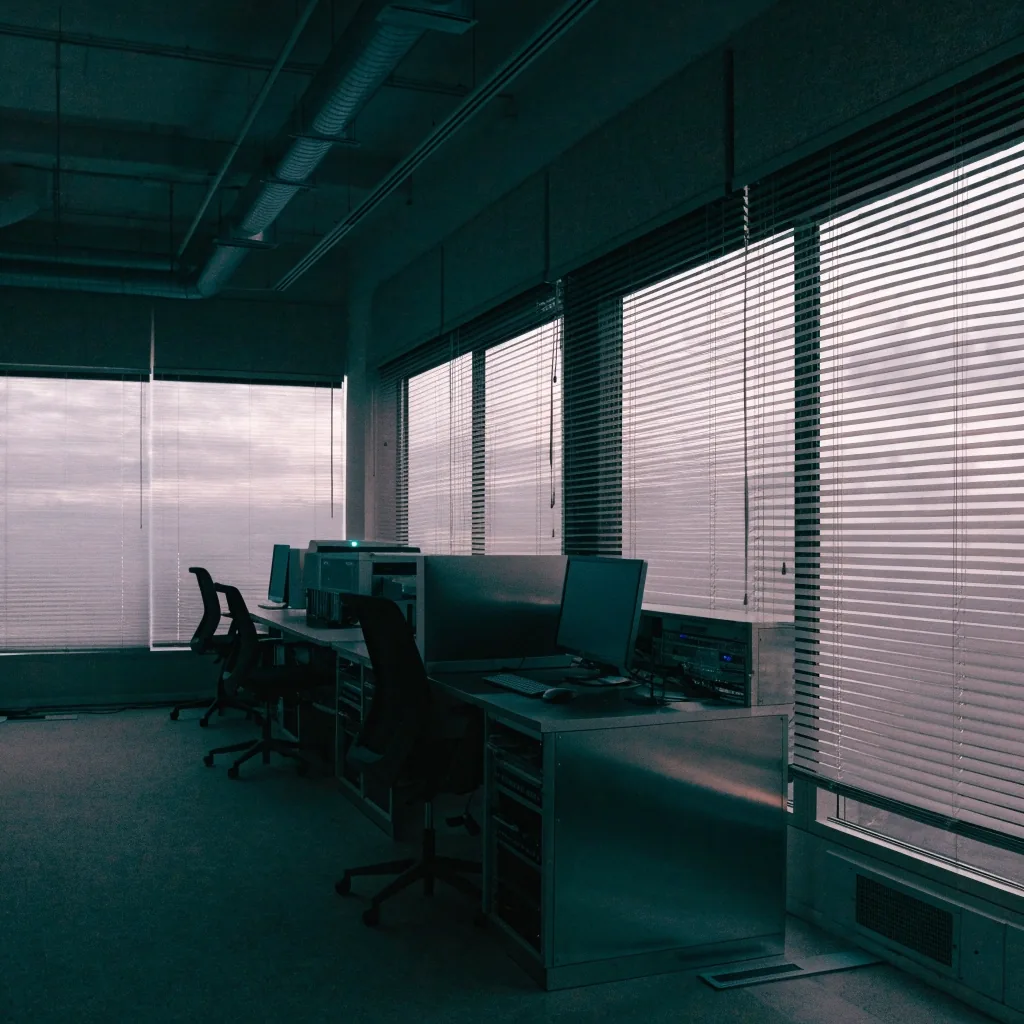
THE STUDIO AT DUSK
Where the work actually happens.
RELEASE ENGINEERING
Shipping a desktop app is its own discipline.
The choice matters more than it sounds. If your staff machines are locked down by IT policy, a deployment route that needs administrator rights will strand the project. We ask about that in the first meeting, before a single screen has been designed.
See how modernisation worksBuild
Automated builds linked to source control, so no one signs an installer by hand.
Package
MSIX for a modern install and update story; ClickOnce where per-user installs are the fit.
Sign
Signed packages and approval gates that leave an auditable trail of what shipped when.
Ship
Delivery to the machines that run the order desk — and the discipline to recover cleanly when a driver changes.
Azure DevOps shows up in Windows application delivery because it ties builds, approvals and deployment targets into one auditable flow. Packaging decisions constrain the software design, so the pipeline is drawn before the interface is.
WHO WE WORK WITH
A small practice, working directly with the people who own the software.
Our clients are usually organisations with a working system and a problem attached to it: an internal tool that has outgrown its original author, a Windows product that needs a macOS sibling, a staged move away from an old framework without a stop in production. There is no account layer between the person describing the problem and the person who has to solve it.
If the honest answer is that you do not need a desktop application, we will say so. A browser tool with a local helper service sometimes solves the same problem for a fraction of the cost.
Find our contact detailsDescribe your desktop project
Three fields. Enquiries arrive by email and get a considered reply, usually with the two or three questions that actually change the shape of a project.