
Desktop software · Reading, Berkshire

MODERNISATION & RELEASE ENGINEERING

We rebuild desktop software until it behaves.

Legacy desktop software is usually load-bearing. Someone's job depends on it working today, which rules out the approach most often proposed for replacing it. This page covers how Ashgrove Imports Limited modernises old desktop applications in stages, and how updates are then engineered to reach workstations without drama.

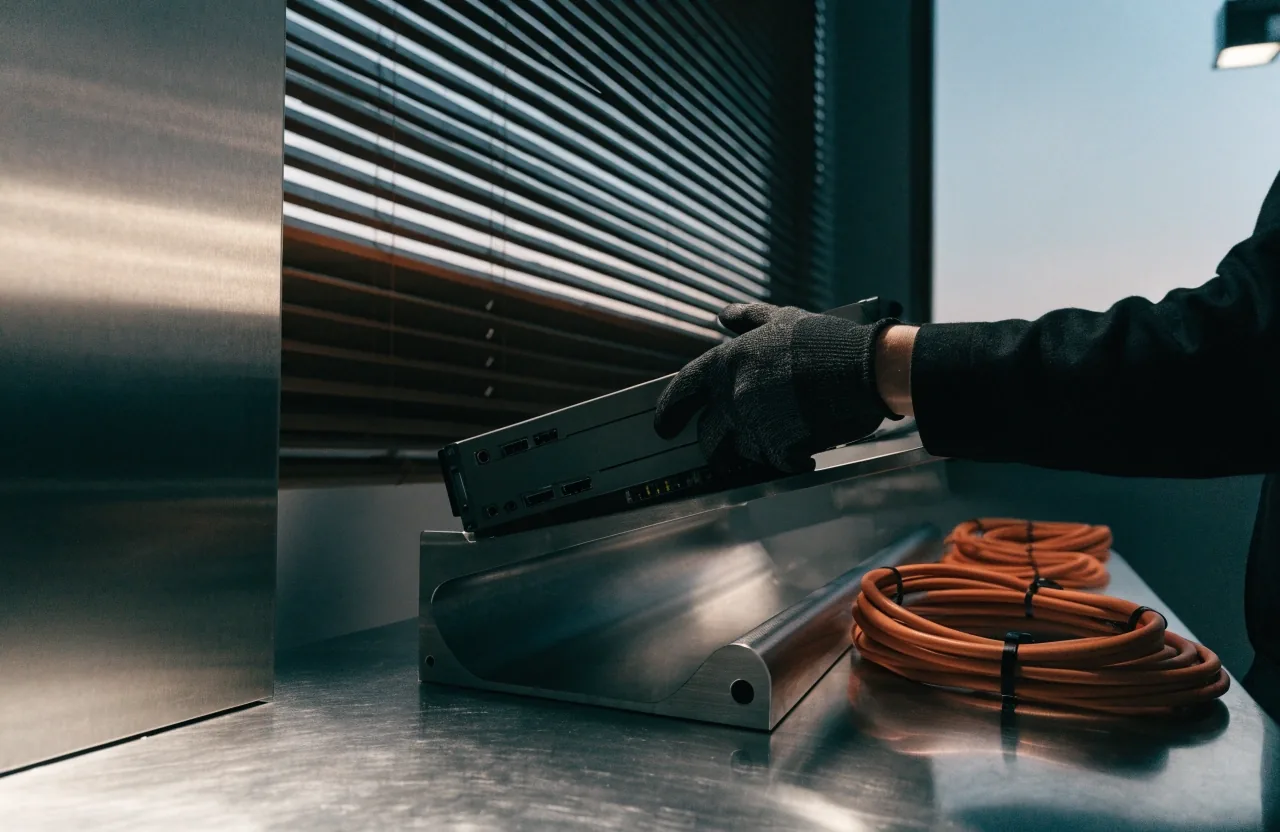
A business desktop application window photographed on a milled steel bench under dusk light

The diagnosis

What "legacy" actually means in practice

The word covers several different situations. An application written for a Windows version that no longer receives security updates. A codebase whose original author has left and whose dependencies are no longer maintained. A tool that works perfectly but cannot be installed on the current machine image.

The response differs in each case. The first is a security and support question, the second a knowledge and risk question, the third sometimes a packaging question that never required touching the code at all. Diagnosing which one you have is the first piece of work, and it is small.

Where the framework decision actually moves the cost

WinUI 3 · WPF · Electron

Criterion
WinUI 3 — native Windows
WPF — existing estates

Deployment path

MSIX package, per-machine or per-user, delivered by the IT tooling already in place.

The cleanest modern target. Applications that write to protected locations need adjustment first.

MSIX once the install assumptions are reworked; ClickOnce stays practical for per-user internal tools.

Native integration

Driver access, shell integration, machine-wide services and hardware that only exists on one platform.

Full access to the current Windows APIs, with the sandbox rules of the packaging format applied honestly.

Direct Win32 and .NET access throughout. The modernisation route reuses the existing code rather than replacing it.

Cross-platform reach

What the business actually needs on Mac and Windows, and whether one codebase genuinely saves money here.

Windows only. Where a Mac build is genuinely required, this is the wrong starting point.

Windows-first with .NET, or Electron where the shared UI across Windows and macOS is the deciding constraint.

The three criteria are weighted differently in every project. That is why the recommendation is written per system rather than chosen from a default list.

The ledger

Staged replacement, module by module

Each stage ships and is used before the next one begins. The order below is the usual one; the actual plan is written against the modules that carry weight in your system.

Bill of the estate

Map what the business depends on

Diagnose

Usage data where it exists, and the people who use it daily. The features that matter are rarely the ones listed in the original specification.

Self-contained first

Reporting module

Replace

Replaced first because it is self-contained. Risk stays contained while the team learns the new deployment route.

Identity handling

Authentication

Modernise

Moves next, so the organisation gets modern identity handling without touching the parts staff interact with every day.

Staff-facing

The interface

Decide per screen

The interface follows, or does not, depending on what it is worth. This is where the "should we" conversation is loudest.

Operating systems

Windows version support

Confront

Out-of-support Windows carries a security cost that is easy to defer and hard to justify later. The work is in the exceptions.

Packaging route

MSIX or ClickOnce

Choose

MSIX is the current Windows packaging format and the natural target. ClickOnce remains practical for per-user internal tools.

The exceptions are the real work

A single machine in a warehouse running old hardware, an instrument with drivers that were never updated, a client who cannot move yet. We plan for the exceptions explicitly rather than discovering them in production. That means those machines get named, tested, and given their own release channel before the wider rollout begins.

The bench, at dusk

Updates reach workstations without drama

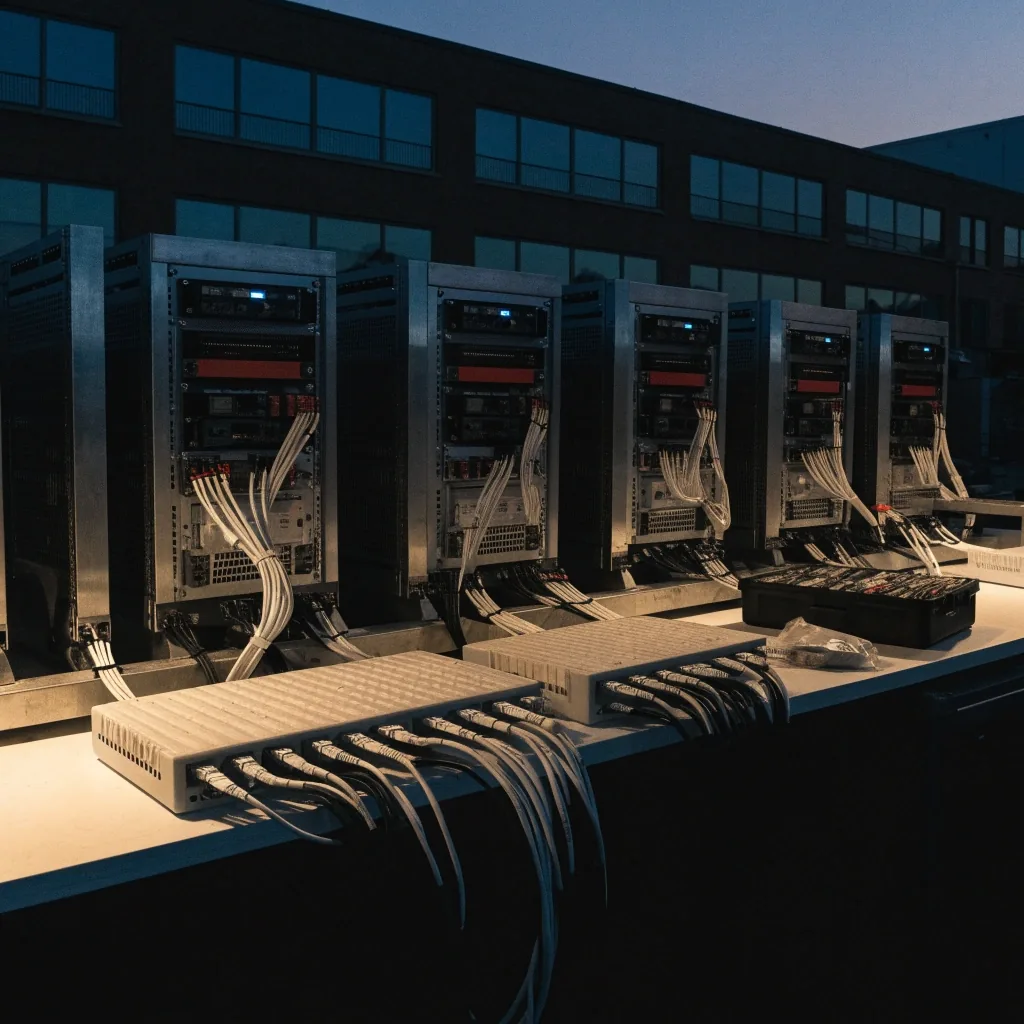
A small Reading software studio at dusk, workstations on brushed-steel racking and no people

Release engineering is the part that is not visible when it works. The build runs, the artefact is signed and versioned, and the workstation receives the update the way the rest of the business receives email.

Azure DevOps pipeline

Building and releasing with Azure DevOps

Azure DevOps appears in Windows application delivery pipelines because it connects source, builds, approvals and deployment targets in one place. For desktop software, that means a repeatable build that produces a signed, versioned artefact every time, rather than a developer's laptop and a hopeful zip file.

Pipelines also give you the audit trail that regulated organisations need: what was built, from which commit, approved by whom, released when. Setting this up early costs less than retrofitting it.

Build

Source, restore, compile, run the test set that gates the build.

Package

Produce the MSIX or ClickOnce artefact with its version stamped in.

Sign

Sign and timestamp, so workstations accept the update without manual overrides.

Ship

Publish to the deployment ring; the previous release stays available.

Versioning & rollback

An update that cannot be rolled back is a risk the business carries silently

We version deliberately, keep the previous release available, and make sure the deployment route can return to it without a site visit. For internal tools this is usually straightforward. For software running on machines you do not physically control, it needs designing in from the start, because the recovery options shrink the moment the software is out of your hands.

Packaging with MSIX & ClickOnce

Two packaging routes, chosen against the codebase

MSIX gives clean installation and removal, supports managed deployment, and works with the update mechanisms IT departments already use. It is not a drop-in change for every codebase: applications that write to protected locations, depend on machine-wide registry entries, or assume they own the file system need adjustment first.

ClickOnce remains practical for internal tools that need per-user installation and automatic updates with minimal infrastructure — a defined group of users on known machines, no administrator rights required. Where those constraints are a problem, MSIX is usually the better conversation.

Where the network is not

Offline-first behaviour

Many desktop applications live in environments where the network is unreliable or absent: warehouses, vehicles, field equipment, factory floors. Offline-first means the application treats disconnection as normal rather than exceptional, holding work locally and synchronising when a connection returns.

This is a design constraint with wide consequences. It affects where data lives, how conflicts are resolved, and what the user is told when something has not yet synchronised. It is much cheaper to decide at the start than to add later.

A straight answer

When replacement beats modernisation

Modernisation is not always the right answer. If the software's function has changed substantially, if the framework is several generations behind and the codebase is small, or if the business has outgrown the original design, a new build can be the clearer path.

We will say so when we think it. The staged approach exists because it usually carries less risk, not because it is always correct. Where the two are close, we will compare them side by side and say what each one costs in time, in disruption and in what the business has to carry afterwards.

The bench

Talk through your legacy system with the people who will do the work

Tell us what the software does today, which Windows versions it has to keep running, and what is not allowed to stop. We will come back with the pieces we would modernise first, the packaging route we would aim for, and where the genuine risks are.

Studio
8 Mill Lane, Calcot, Reading, England
Hours
Monday to Friday, 9:00 AM – 6:00 PM

Start the conversation

Three lines is enough for a first reply

A short description of the system and what it has to keep doing. If you have a version of Windows the software is pinned to, that is the most useful single detail.

Send the enquiry

Or reach the studio directly during working hours. The enquiry reaches Ashgrove Imports Limited, not a shared inbox.

Ashgrove Imports Limited · Reading, England